
22nd JUNE | ai script generator update — 2 new games!
UNLOCK THE FULL ZEN SCRIPT LIBRARY
Access 1,500+ Scripts Today!
NBA 2K24
2k24 Auto Green v1.4
ultimate


2k24 Auto Green v1.4
Script City
NBA 2k26
2k26 AI
ultimate


2k26 AI
Avenged
NBA 2k26
2k26 Auto Green V2
ultimate

2k26 Auto Green V2
BoostSquad
NBA 2k26
2k26 Lag Switch
ultimate
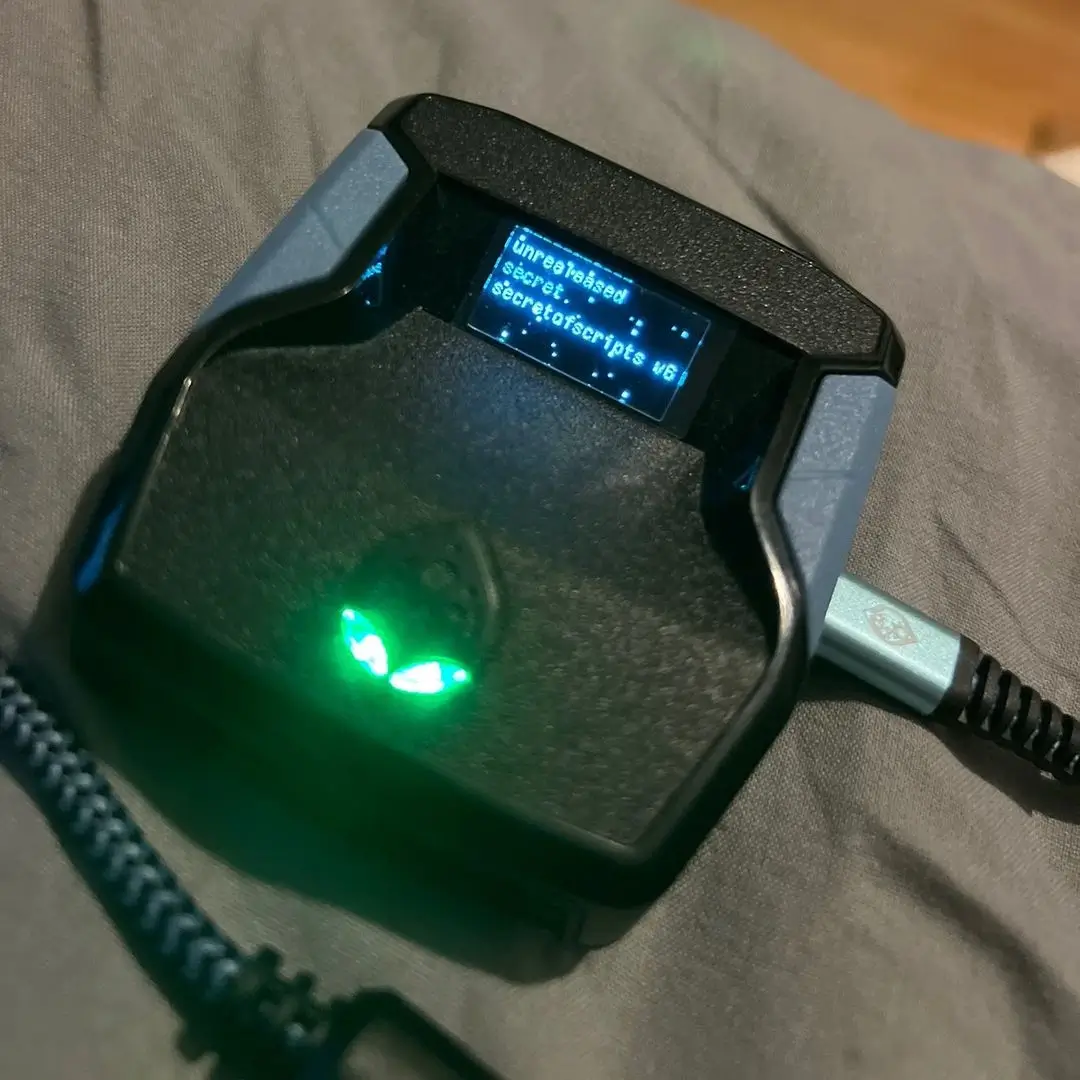
2k26 Lag Switch
Secret of Scripts
NBA 2k26
Margielq V4
ultimate
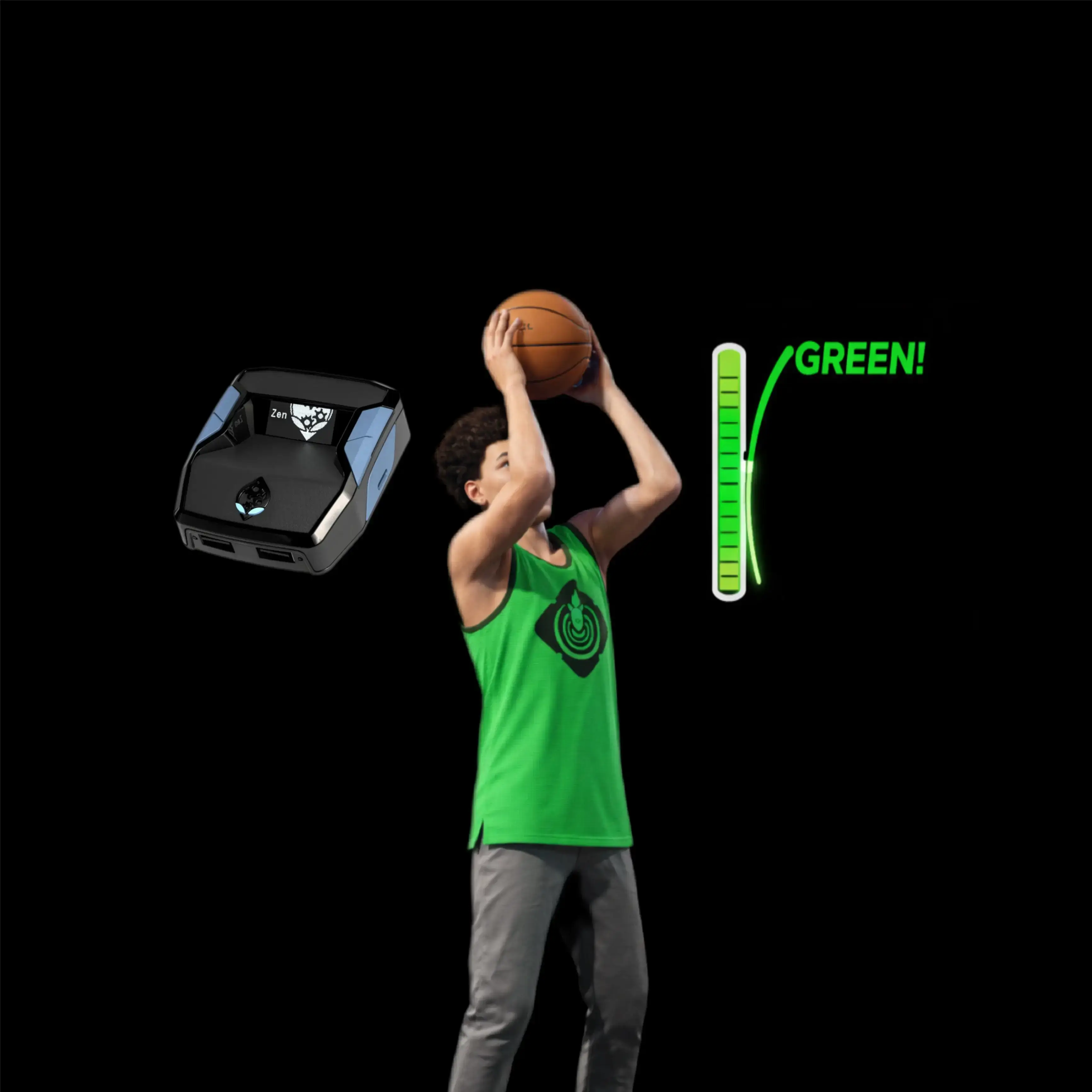
Margielq V4
Margielq
NBA 2k26
Flux V3
ultimate

Flux V3
Flux
NBA 2K24
2k24 Auto Green v1.4
ultimate
2k24 Auto Green v1.4
Script City
NBA 2k26
2k26 AI
ultimate
2k26 AI
Avenged
NBA 2k26
2k26 Auto Green V2
ultimate
2k26 Auto Green V2
BoostSquad
NBA 2k26
2k26 Lag Switch
ultimate
2k26 Lag Switch
Secret of Scripts
NBA 2k26
2K Plus
ultimate

2K Plus
Yew
upgrade for full access
4.8/5 from 9,000+ Users
200+ Free Scripts • 4 Premium Scripts Weekly • No Credit Card required


Features

Mod Menu
This Script comes with a customizable Mod Menu
Guides
Guide
Profile Switching Setup
- Enable or disable if you want to use only 1 button to switch profile 1 or 2
- define one_button_press = FALSE;
- 1 button press for switching profiles
- Enable or disable if you want to use 2 buttons to switch profiles 1 or 2
- define two_button_press = TRUE;
- 2 button press for switching profiles
- Choose your button for 1 button to switch profiles
- define profile_switch_button1 = PS4_TRIANGLE;
- Only 1 button, choose your button
- Choose your buttons for 2 buttons to switch profiles
- define profile_switch_button2 = PS4_L2;
- 2 buttons to switch profiles and choose your buttons
- Choose your buttons
- define profile_switch_button3 = PS4_TRIANGLE;
Extra Profile
Extra Profile is an additional profile, profile 3. Below you can choose the buttons to switch without interfering with game.
- Hold user defined buttons to get in Extra Profile
- define profile3_switch_button = PS4_L2;
- Profile 3 is a separate profile button and cannot be the same
- Hold user defined buttons to get back out of Extra Profile
- define profile3_switch_button1 = PS4_CIRCLE;
- Choose your 2 buttons to activate
OLED Screen Indications
- GAME TITLE
- Current profile
- Current Weapon Name
OLED Screen Indications in ModMenu
- First line: Active Mod Name
- Second line: Current profile
- This shows you which profile you are on in ModMenu
- Third line: ON / OFF status
OLED Screen Indications in ModEdit
- First line: Active Value Name
- Second line: Current profile
- This shows which profile you are on: Primary, Secondary, Extra
- Third line: Editable Value
OLED Screen Indications in ModWeapon
To enter WeaponMod, hold L2 and press XBOX/PS button.
- First line: Current profile
- Indicates which profile you are on
- Second line: Current Weapon Categoty
- Indicates which weapon category you are on
- Third line: Current Weapon Name
- Indicates which weapon you are on
- Press DPAD LEFT or RIGHT to navigate
- Press DPAD UP or DOWN to navigate
OLED Screen Indications in KillSwitch
- SCRIPT OFF
- Indicates that the script is muted
- Hold CIRCLE/B to turn ON
How to Use the ModWeapon
- Open ModWeapon
- L2/LT + PS/XBOX to open or exit
- Choose which profile you want to modify
- Primary, Secondary, or Extra Profile
- Tap TRIANGLE/Y
- To switch between Weapon Category and Weapon Name
- Press UP or DOWN
- When the second line, Weapon Category, is in large text
- You can only navigate between the different categories with LEFT or RIGHT
- When the third line, Weapon Name, is in large text
- You can only navigate between the different weapons of the active category with LEFT or RIGHT
- Tap CROSS/B to close ModWeapon and go to ModMenu
- Tap SQUARE/X to go back to ModWeapon if you are in ModMenu
- Hold L2/LT and tap PS/XBOX to close ModWeapon
- Hold CROSS/A 500ms to reset Antirecoil temporary values and Rate of Fire temporary values of the active profile
How to Use the ModEdit
- Navigate between the different values with LEFT or RIGHT
- Change/edit the value by holding down L2/LT
- Tap UP or RIGHT to increase value
- Tap DOWN or LEFT to decrease value
- To exit ModEdit and go back to ModMenu
- Tap CIRCLE/B
Save Every Value
Only available if you are in ModMenu, ModEdit, or ModWeapon.
- Tap PS/XBOX to save every value, toggle, weapon category, and weapon name independently for each profile
Speed Toggles
Outside Mod Menu/Edit/Weapon.
- Hold aiming button and hold 300ms UP, DOWN, RIGHT, or LEFT
- UP: Rapid Fire
- DOWN: Quickscope
Switch Profiles
In Game:
- Tap USER DEFINED BUTTON to switch profile 1 and 2
- Primary and Secondary
In Game:
- Hold USER DEFINED BUTTONS and USER DEFINED BUTTONS to switch profile 3
- Extra profile
In Mod Menu/Edit/Weapon:
- Tap TRIANGLE/Y to change/loop profile
- 1, 2, 3, 1, 2, 3
Kill Switch
Disable everything.
- Turn ON to OFF or OFF to ON
- Hold L2/LT and tap SHARE/VIEW
- Tap PS/XBOX
- Turn ON
- Disable everything
- Tap OPTIONS/MENU
- Tap Map button
- Turn OFF
- Enable everything
- Double tap CIRCLE/B
- Hold CIRCLE/B more than 600ms
- Hold SQUARE/X more than 1000ms while on the map only, for fast travel